
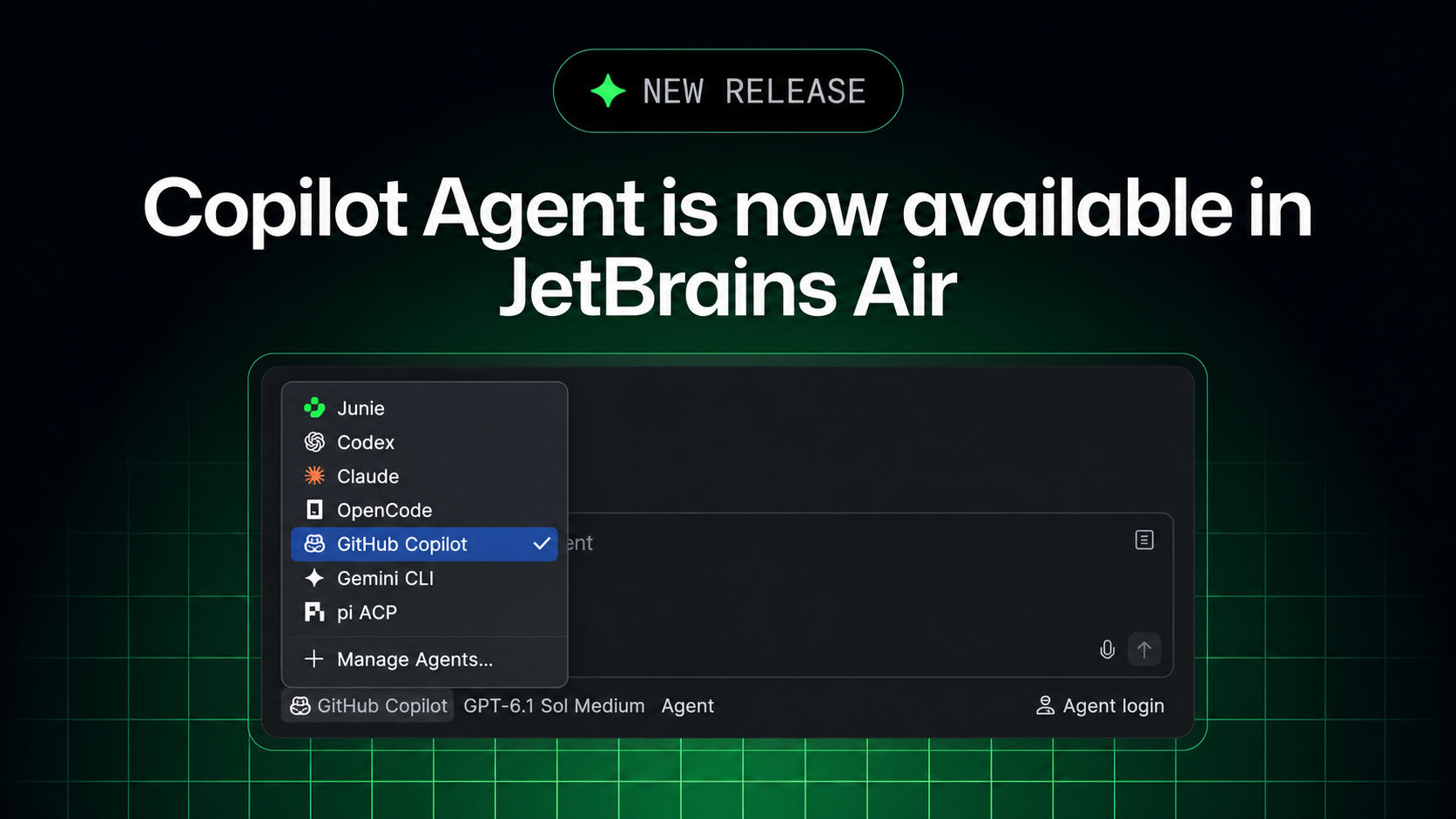
On November 3 GitHub announced on its official changelog that GitHub Copilot is now available in JetBrains Air. The integration is built on the Agent Client Protocol (ACP): developers pick Copilot in Air's agent picker, delegate coding tasks, track several sessions in parallel and review changes next to their code. Tasks can run locally in a JetBrains IDE or in isolated cloud environments through Air Teams, and they draw on the Copilot subscription rather than JetBrains AI credits.
Key Takeaways
- ✓Copilot now appears in JetBrains Air's agent picker and works with an existing Copilot account
- ✓The integration uses the Agent Client Protocol (ACP) and can be used alongside the existing GitHub Copilot plugin
- ✓Developers can track multiple agent sessions in parallel and review changes next to their code using project context and IDE tools
- ✓Cloud tasks run through Air Teams, each in a Docker container on a fresh virtual machine, with traffic through a proxy and no state kept between tasks
- ✓Cloud tasks use the Copilot plan rather than JetBrains AI credits, but Air analytics do not include Copilot usage and admins cannot set Copilot spending limits inside Air
Key Decision Metrics at a Glance
Turn your technical choice into a development budget
Compare 40 dev plans & simulate token costs vs $20/mo subscriptions
Project Links & Resources
Direct AccessIn-Depth Technical Analysis
Background and the Industry Pain Point
JetBrains Air is JetBrains' agentic development environment for running coding agents inside the IDE or in the browser. Many teams pay for both GitHub Copilot and JetBrains AI, and until now using Copilot for delegated-task workflows in the JetBrains ecosystem meant relying on the classic plugin. GitHub's November 3 changelog brings Copilot directly into Air.
Architecture Highlights and Mechanism
The integration is built on the Agent Client Protocol (ACP), an open protocol for connecting editors to different coding agents. Copilot appears as an agent in Air's agent picker and can run several sessions in parallel. Cloud tasks run through Air Teams: each task runs in a Docker container on a fresh virtual machine, all traffic passes through a proxy, and no state carries over between tasks, so Copilot can build, test and install packages without touching the local environment.
Benchmarks and Measured Results
No benchmarks or performance figures were published. This update is a workflow and billing integration rather than a new model, and GitHub has a separate comparison and FAQ page that explains how Air differs from the classic Copilot plugin.
Practical Guide for Developers
For local tasks, install Air in a JetBrains IDE, select GitHub Copilot and connect the account. Cloud tasks need three things: a JetBrains account in an Air Teams-enabled business organization, a Copilot subscription, and Copilot enabled by the Air administrator. Create tasks in browser Air after connecting GitHub under Settings > VCS Providers, or switch the environment selector to Cloud in the IDE plugin. Note that Air only checks the subscription or credits when the cloud environment starts, so a task fails if they are unavailable; a task cannot choose between a personal and an organization Copilot plan; and Air's governance and analytics exclude Copilot usage, so admins can only disable Copilot entirely, not cap its spending inside Air.
Benchmark side-by-side against alternatives, or calculate monthly token cost vs subscription break-even.
Discussion & Comments
0Sign in to join the discussion
Connect with AI developers to exchange benchmark insights.